.png)
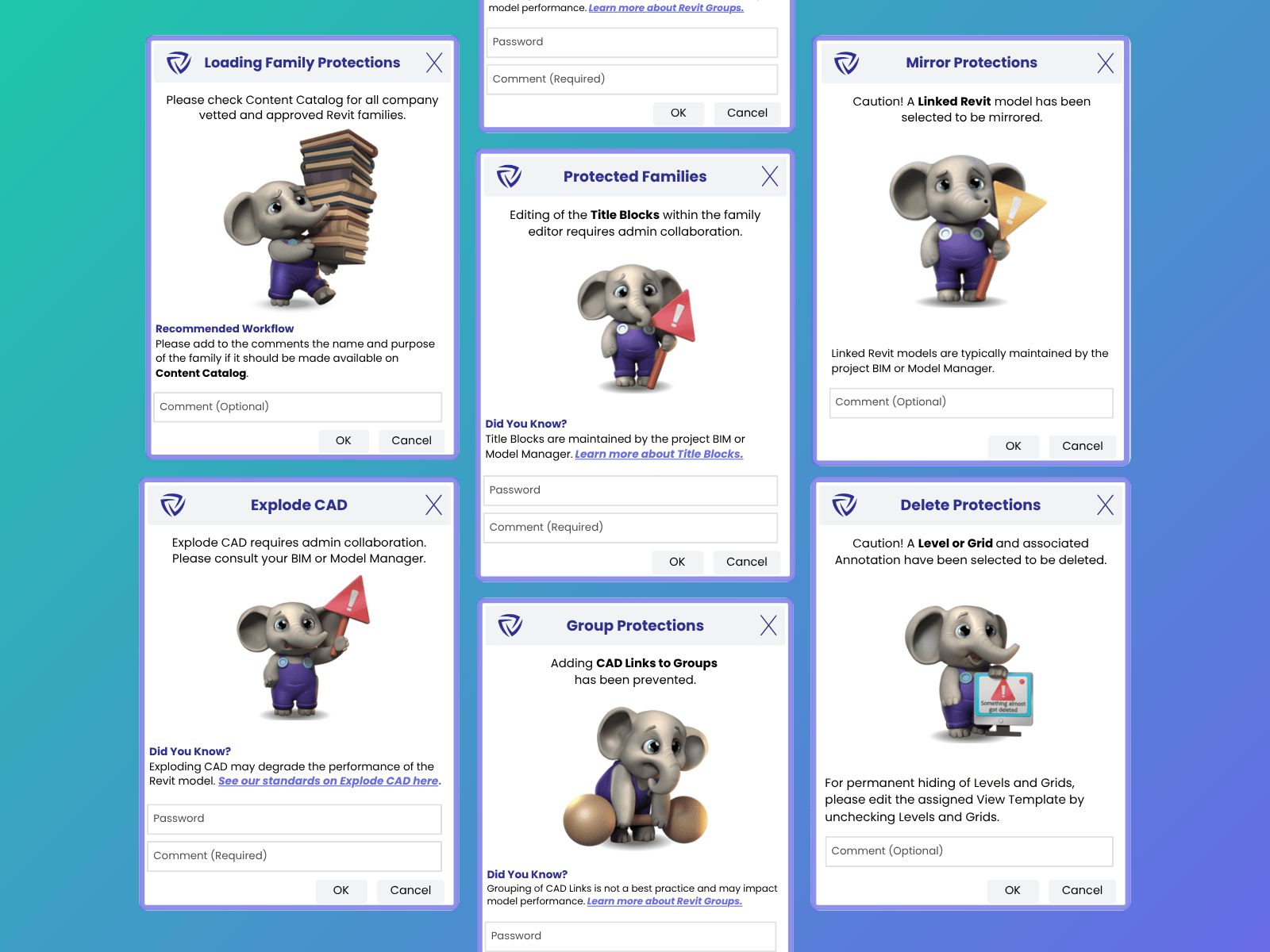
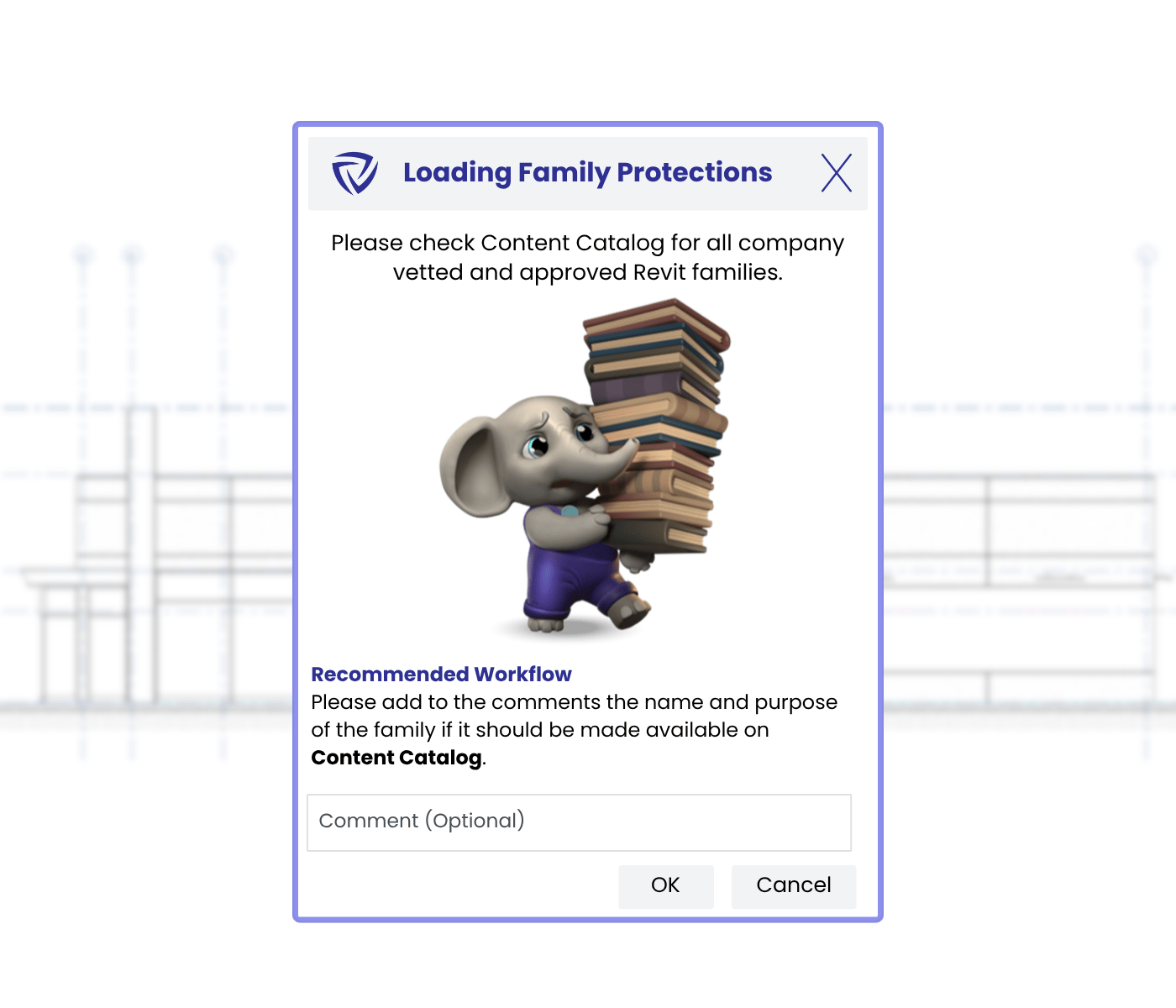
Firms go to great lengths to build extensive Revit family libraries, and your clients might bring their own families to projects. Approved Content Sources manage which content your end-users should be sourcing — and which they shouldn’t.
Guardian offers wide flexibility in using Approved Content Sources protection; firms can tailor rules and responses, directing users to preferred libraries and optionally providing them a way to ask for content otherwise missing from their libraries.
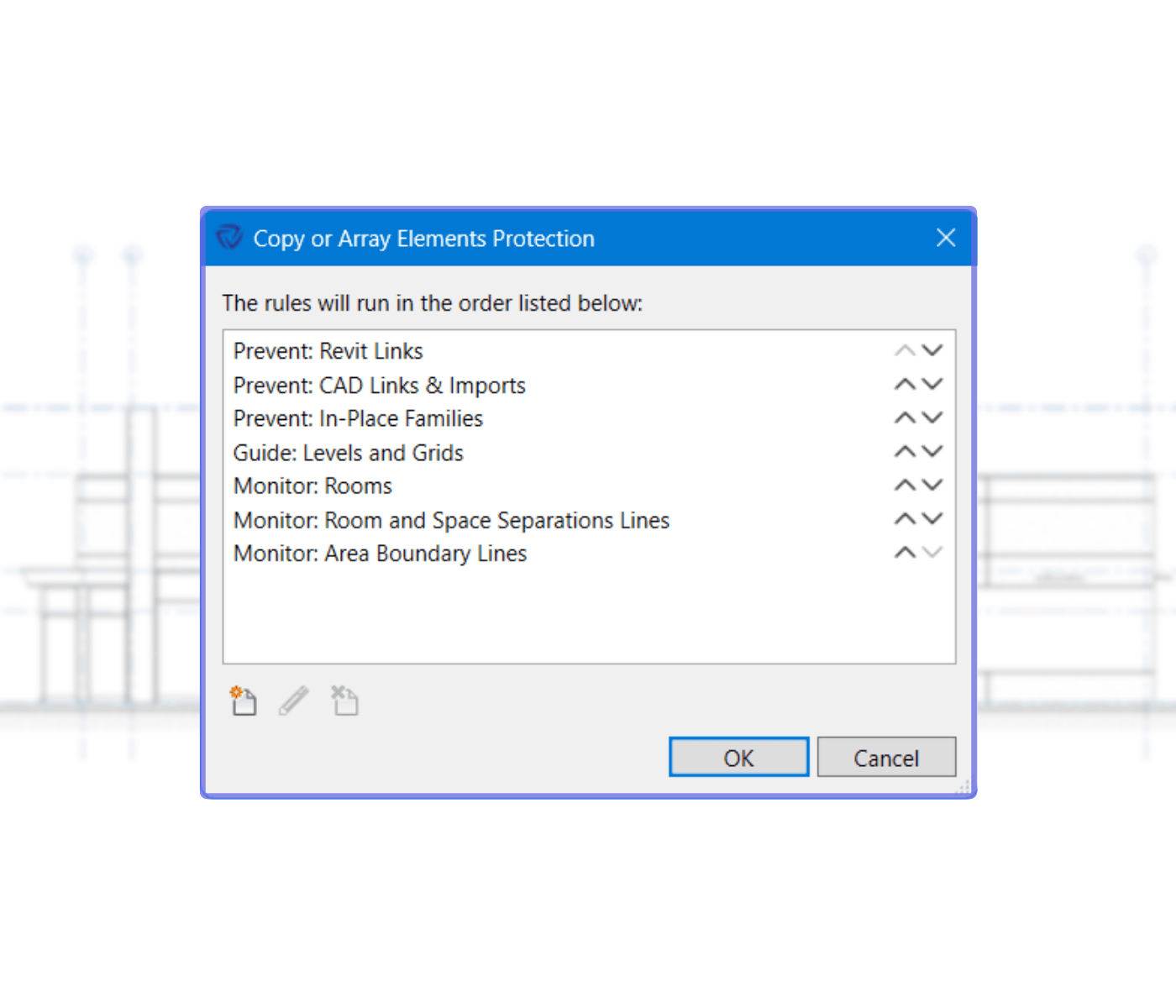
Copying or arraying certain model elements — even unintentionally — inevitably reduces model performance and creates headaches down the line. Guardian gives BIM managers the ability to restrict detrimental copying and arraying.
We pre-load our Copy and Array Protections with rules that address the elements that most commonly negatively impact model performance when copied. As with most Guardian features, these protections are fully customizable.
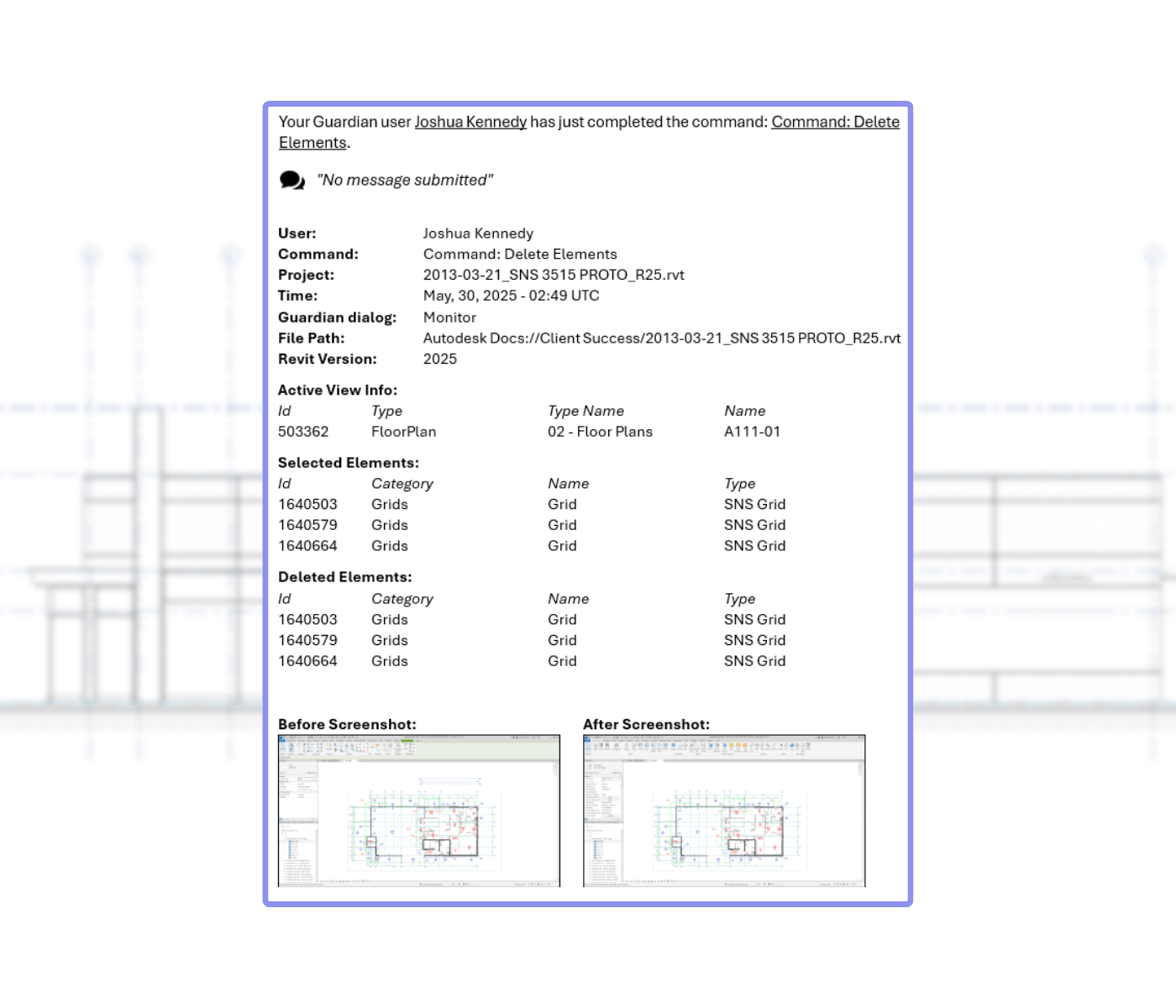
End-users may delete something on one side of a Revit model and not realize the repercussions on the other side. Guardian safeguards your model from unintended consequences by flagging accidental deletions of protected elements.
Delete Protections are preset with rules to help prevent the most common deletion issues, and you can also customize rules to your needs and best practices.
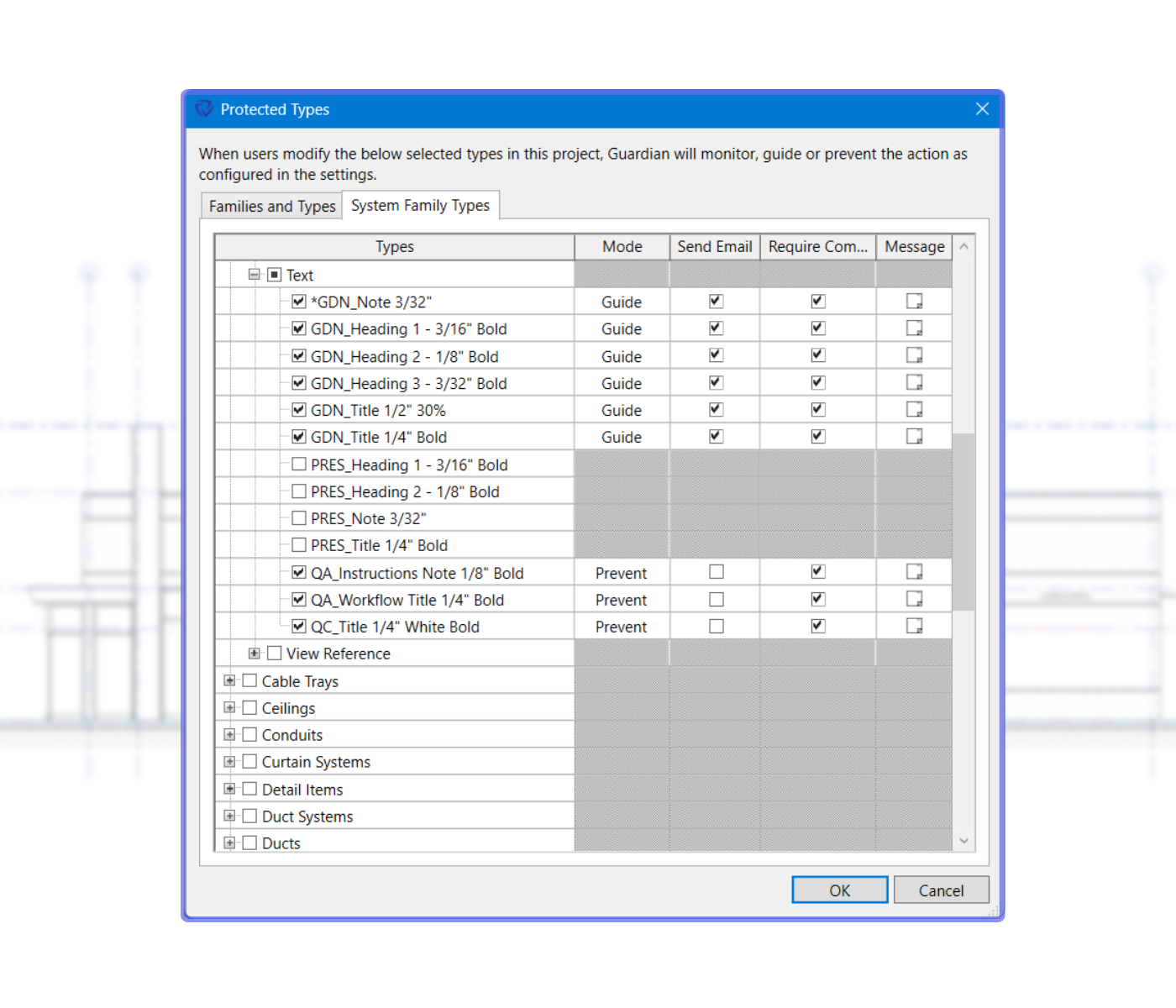
Revit Family Types, especially system family types, represent your firm’s standards. When type properties are changed, they are not just changing values, but changing the fundamentals of your firm’s standards.
Family Type Protections can protect family types by applying direct protection or through rules-based protections.
Revit groups can be frustrating when elements don’t play nice with each other. Group Protections allow BIM managers to determine what works well and what doesn’t, then set rules to notify users with a customized message when a prohibited element ends up in a group.
Group Protections can be set to require end-users to leave a comment on why they are grouping something you might not otherwise want grouped, or require a password to go through with the grouping.

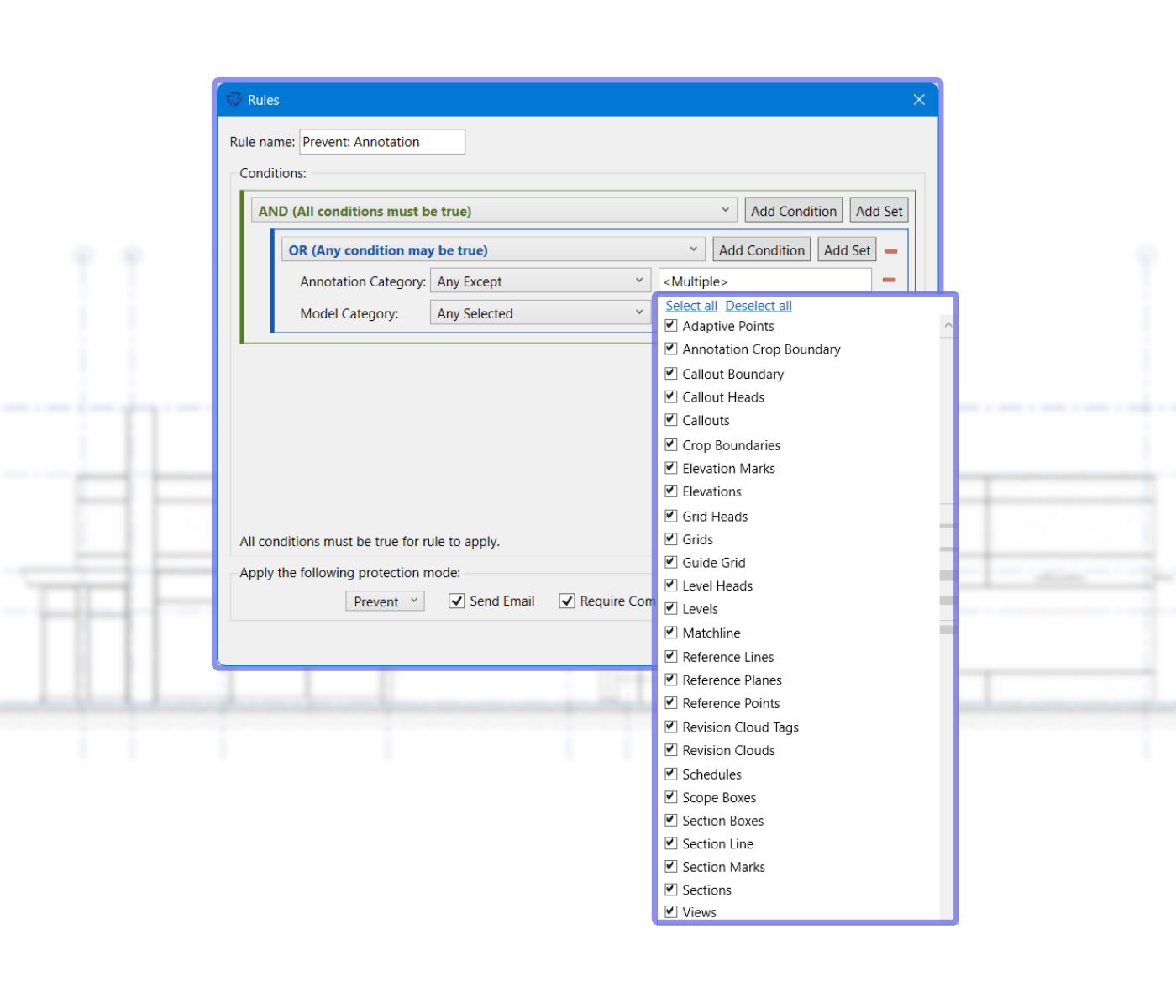
End-users waste hours looking for elements they’ve hidden within Revit but can’t find. Rather than outright discouraging use of the maligned Revit hide command, Hide Elements in View Protections promote consistency and best practices — and keep things from becoming lost.
Protections can be rules-based and/or view-based, and notifications can be customized to support end-users if they choose to use the command.
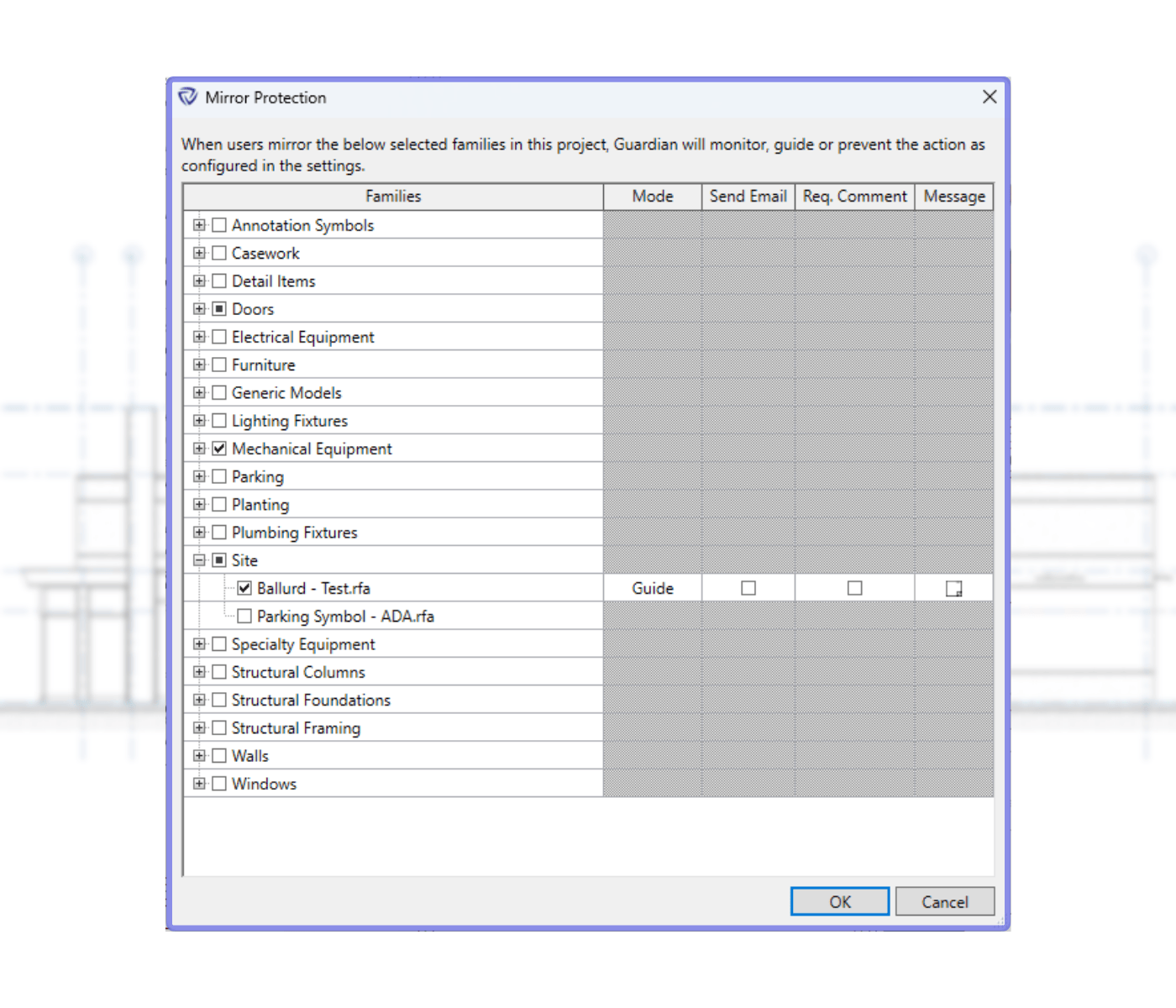
Elements with specific orientation needs, such as VAVs, must be mirrored correctly or not at all. Mirror Protections ensure things are properly flipped and notify users not to attempt the command, per your modeling best practices.
Misuse of mirroring in Revit can cause coordination and scheduling issues down the line if not caught and corrected. Mirror Protections can be applied to specific families, and customized messages can be written for when end-users are notified.
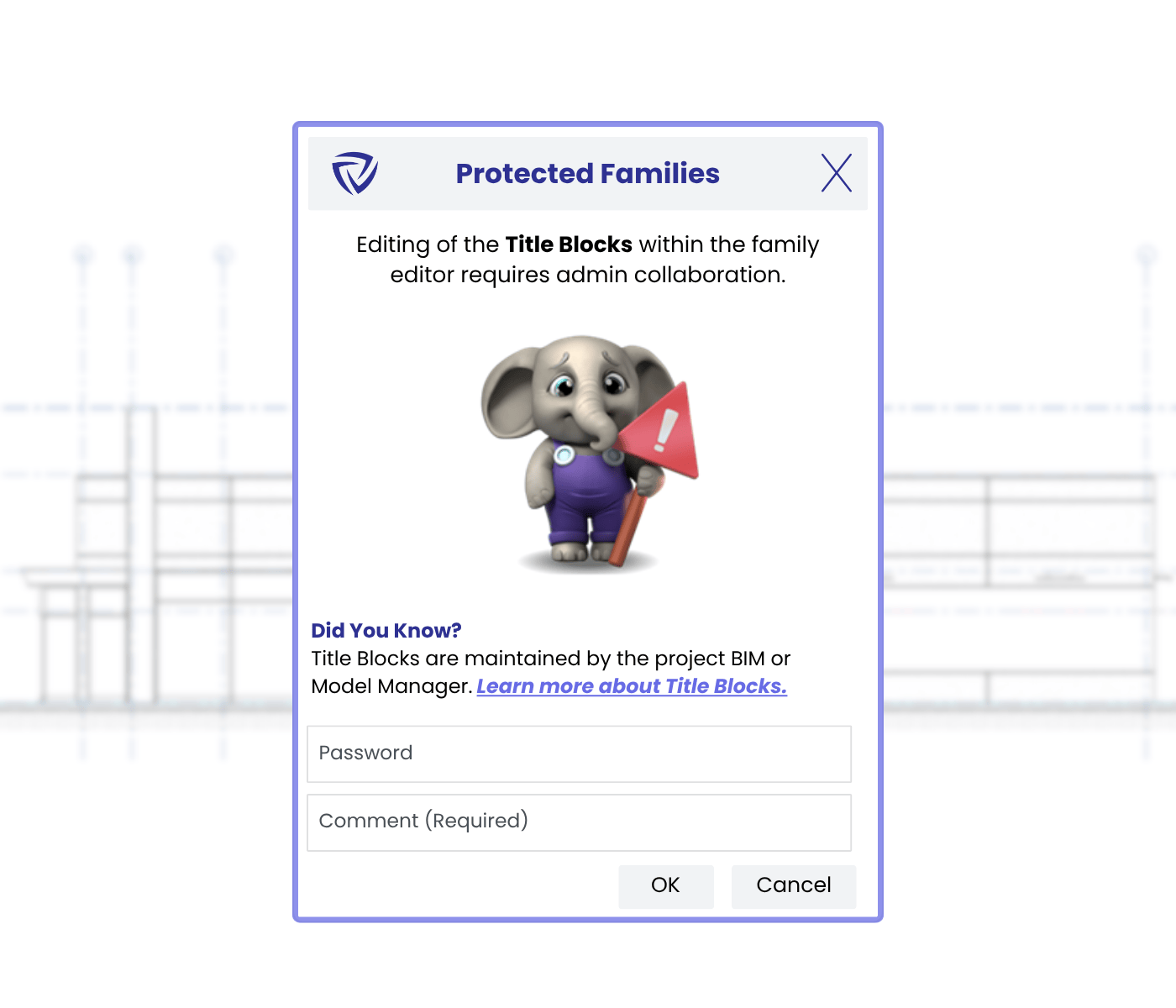
Firms likely don’t want end-users tinkering with or overwriting established company standard families. But it still happens, often unintentionally, and often outside the model environment. Guardian prevents this and can provide insight into why users are trying to overwrite a family.
Protected Families can be customized to suggest end-users save as another family name or leave a comment if improvements to the family are needed. Rules can also be applied to specific families.
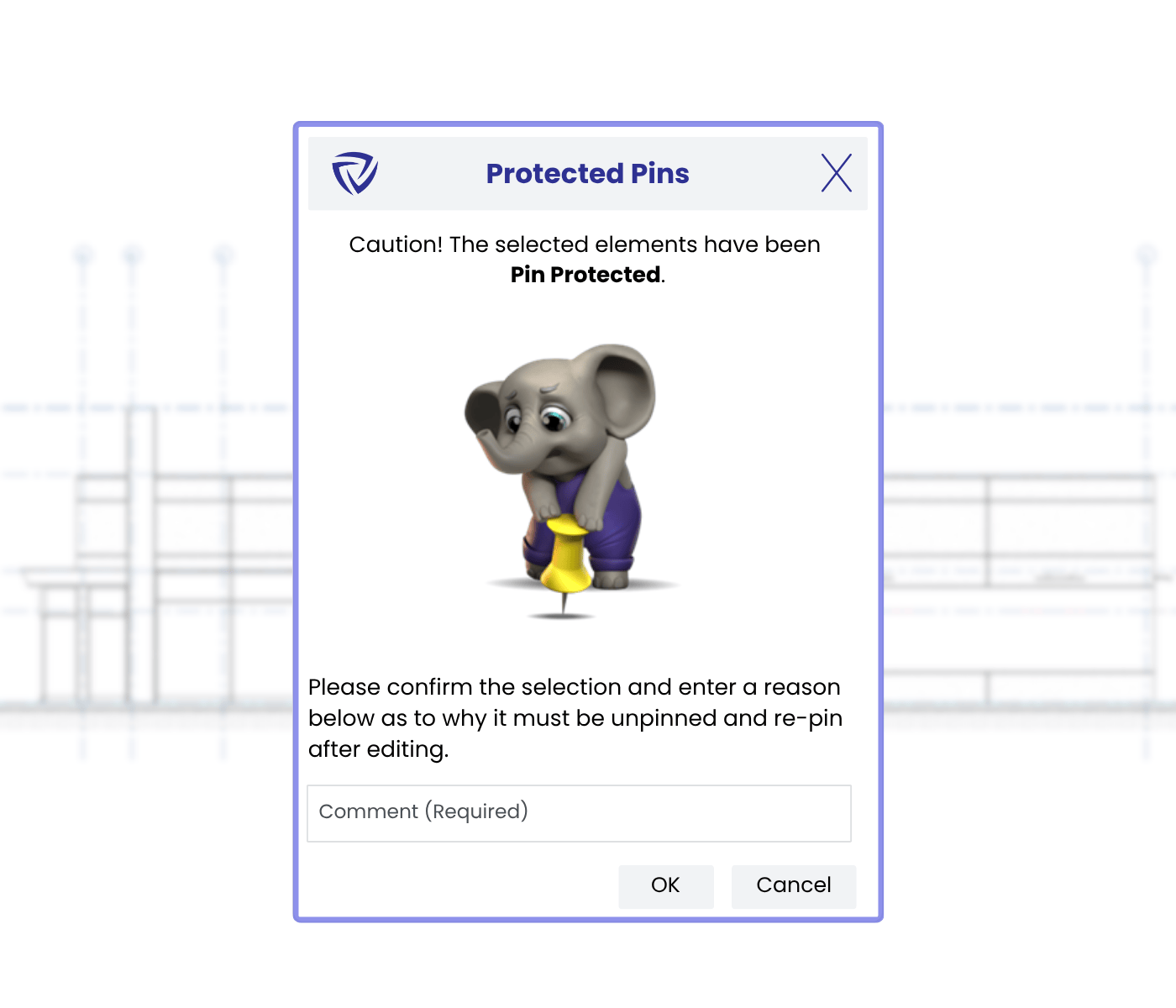
Revit’s pins are supposed to keep elements from being moved, but it still happens anyway, potentially causing issues later. Protected Pins overlay Revit’s pin command and notify end-users when they try undoing a pin.
Protected Pins can be applied to any element that a native Revit pin is available, including Linked Models, Project Base Point, Sheets, Survey Point, Viewports, and Views.
.png)
Revit’s view filters are powerful tools for controlling visibility and graphics, but that same flexibility can create inconsistencies across projects. View Filter Protections help your firm maintain visual standards by keeping critical filters intact, applied correctly, and used as intended.
By reinforcing the filters that drive your firm’s visual language, View Filter Protections help maintain clarity, quality, and consistency across every project.
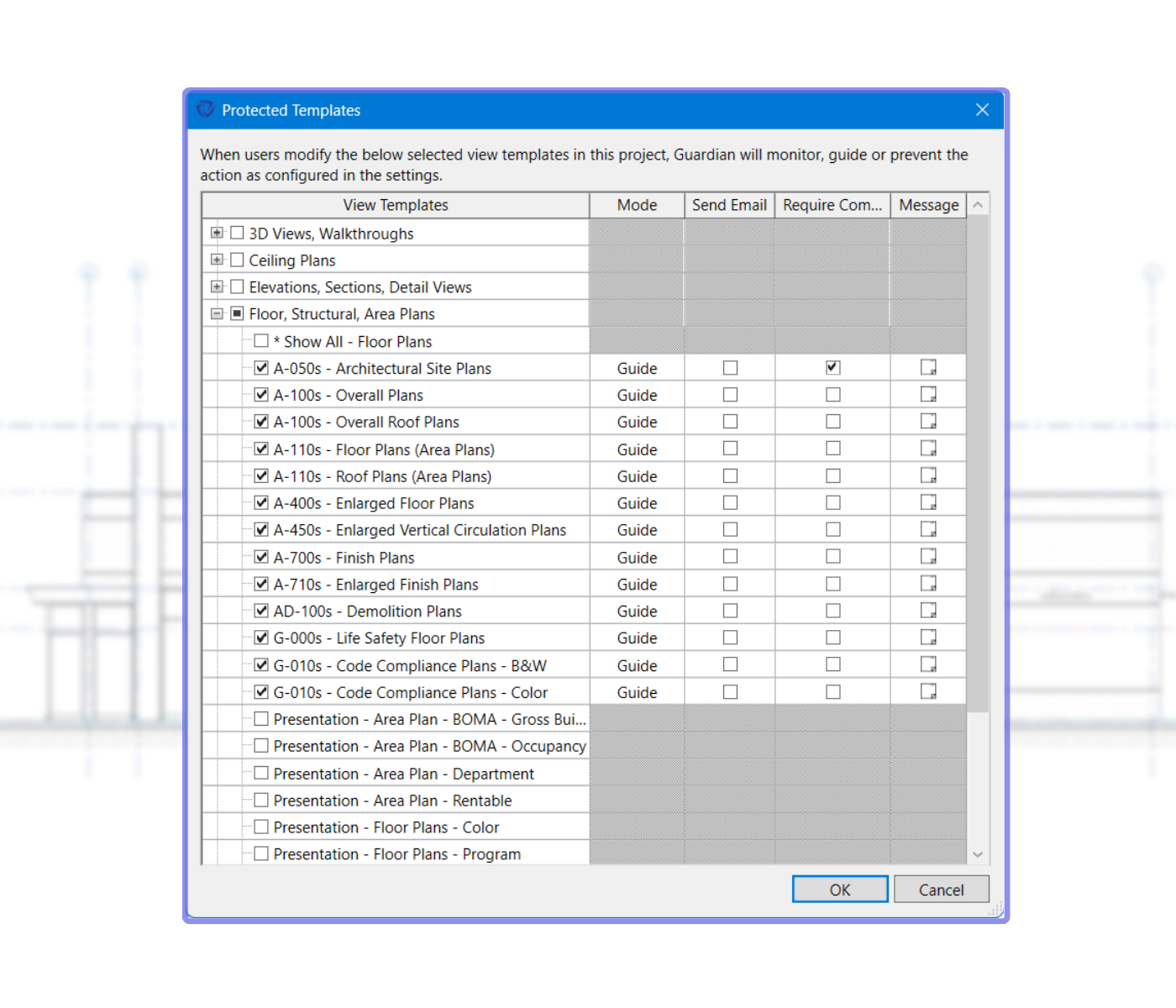
View templates are essential for maintaining visual consistency across drawings — but in practice, they’re often misunderstood, misapplied, or accidentally modified.
View Template Protections ensure your firm’s view templates remain set while guiding users toward best practices for graphical visibility controls within Revit.
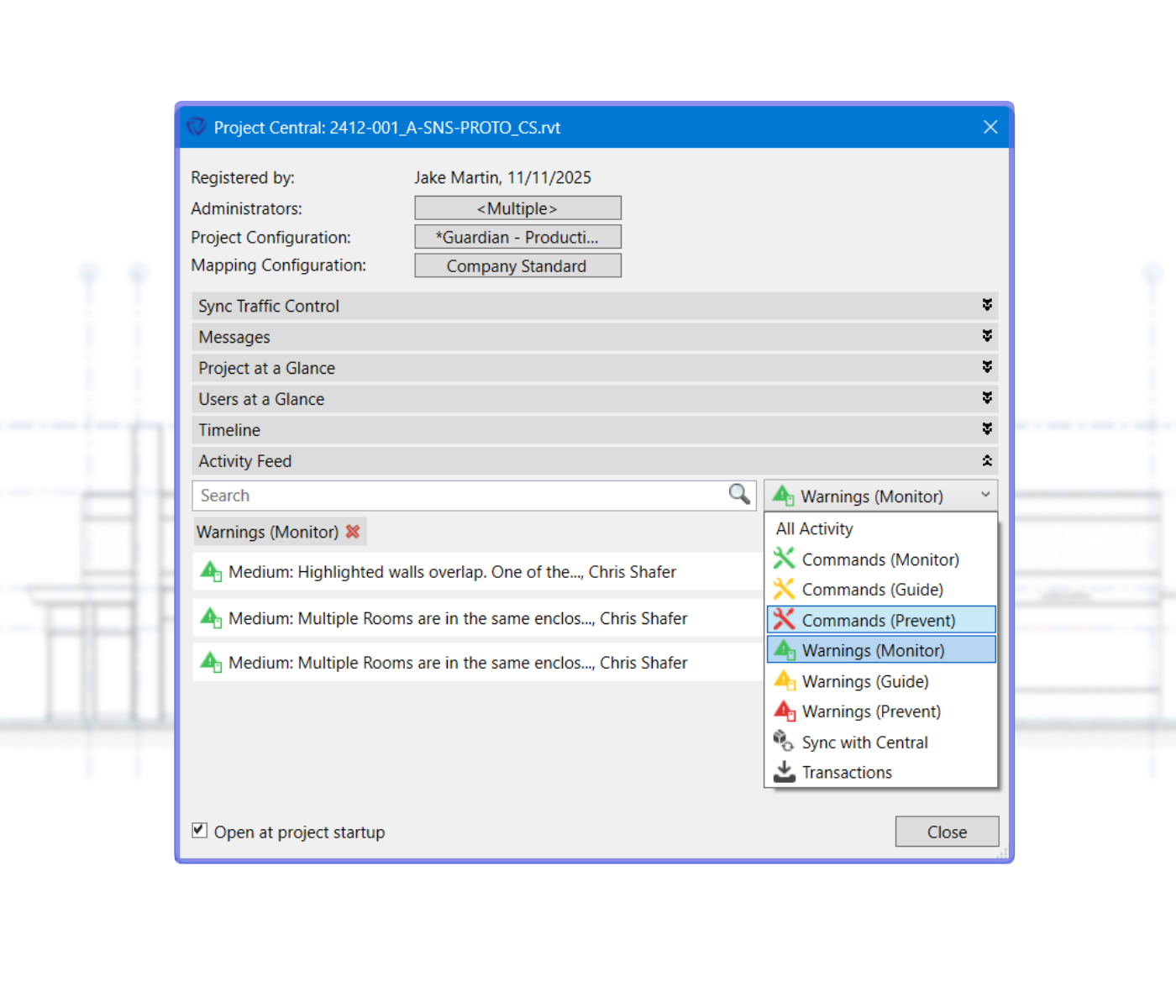
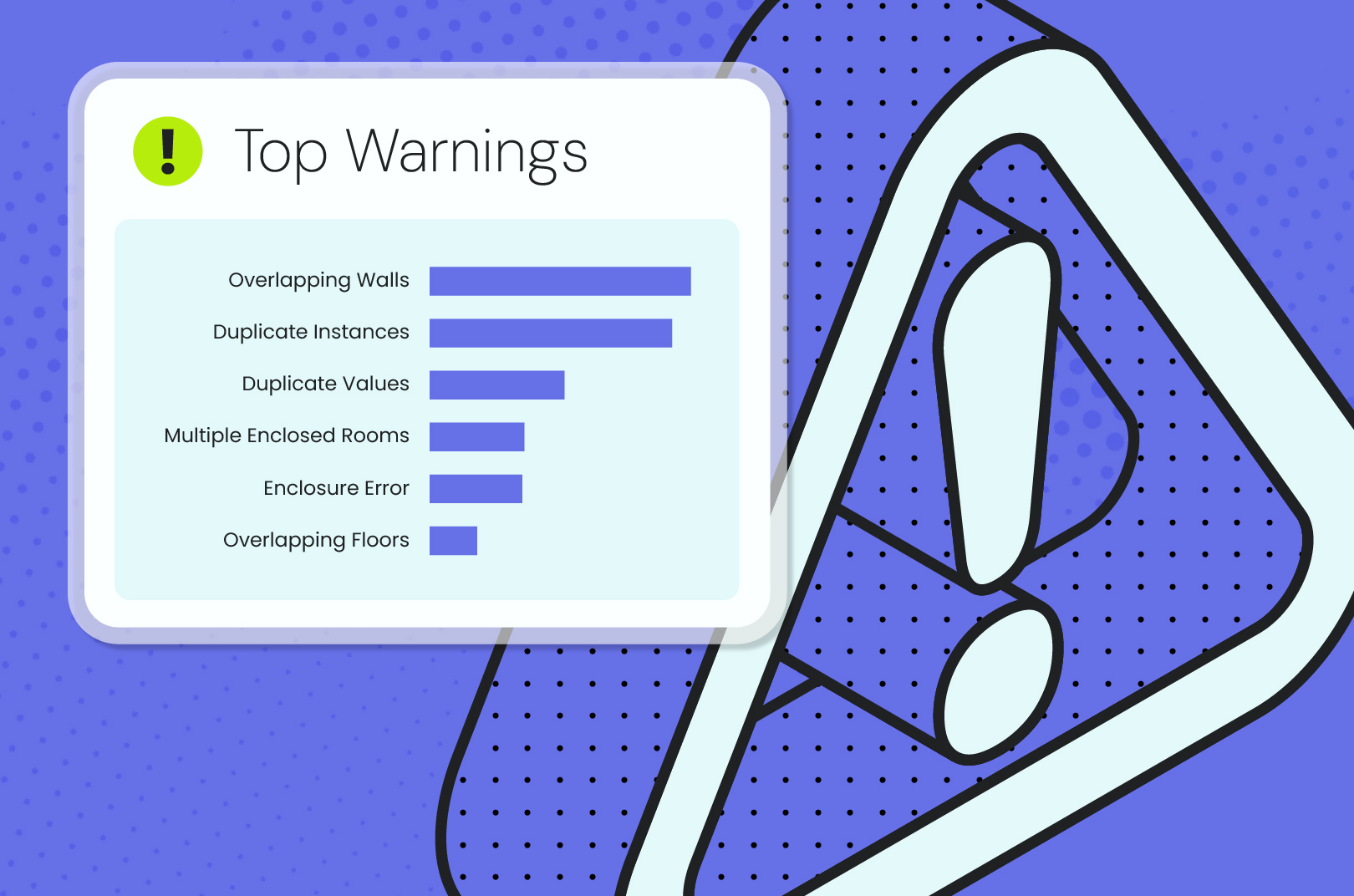
Revit warnings often signal stability issues, model performance concerns, and potential downstream errors, but users frequently, to be kind, overlook them.
Warning Tracking Protections deliver proactive quality control, even undoing the command that triggers a warning when running in Prevent mode, ensuring that destabilizing actions never make their way into your model.
Here are answers to commonly asked questions about Guardian’s project protections.
Check out our articles, webinars, and guides about project protections and other Guardian features.

Discover everything Guardian can do for your firm.